
Getting consistent leads isn’t easy. Whether you’re a marketing agency, a consultant, or a service provider like a commercial cleaner, finding the right decision-maker and getting a response often feels like pushing a boulder uphill. Most small businesses rely on luck, referrals, or a fluctuating ad budget.
But what if you could build a system that finds verified prospects and follows up with them on autopilot?
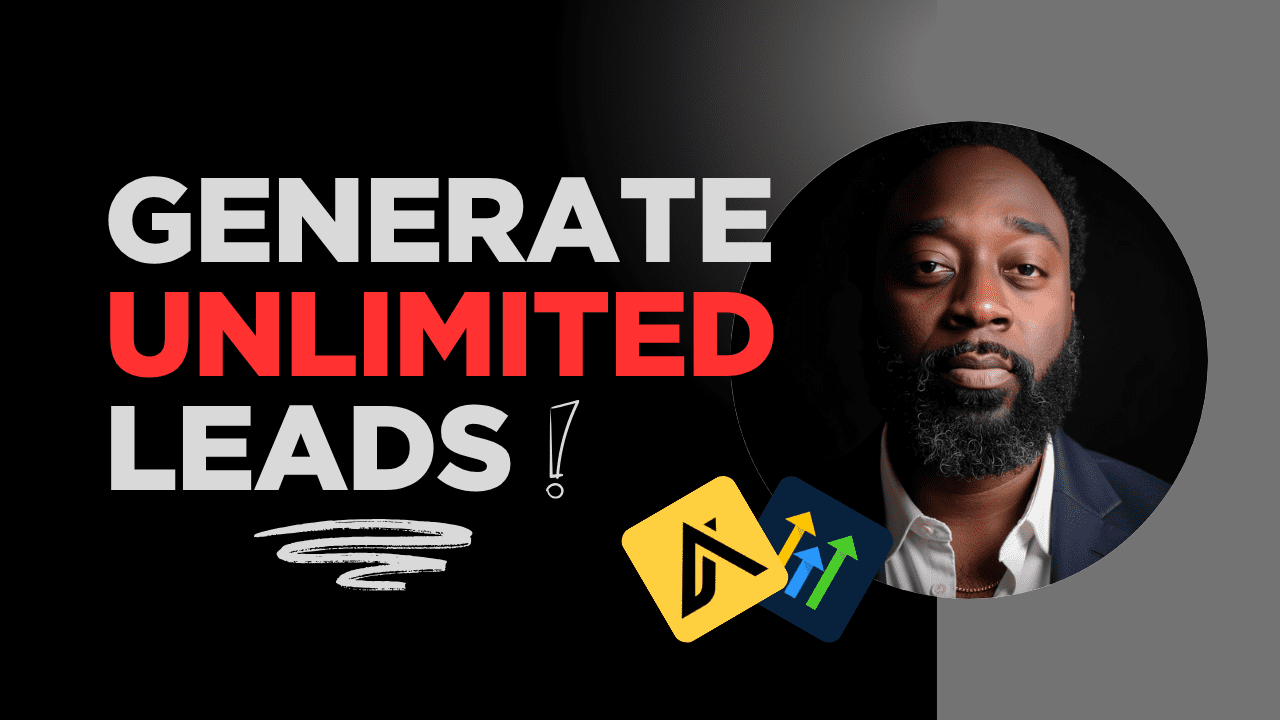
In this guide, we’re breaking down the exact workflow to build a self-running lead generation system using two powerhouses: Apollo.io for prospecting and Automatic (a GoHighLevel white-label) for CRM and automation.
Step 1: Finding Your Ideal Prospect in Apollo.io
The foundation of any good outreach is data quality. Apollo allows you to filter through millions of professionals to find your “Ideal Customer Profile” (ICP).
-
Filter by Job Title: Focus on decision-makers (e.g., Facility Managers, Office Managers, or Operations Managers) [11:59].
-
Verify Emails: Only target “Verified” emails to protect your sender reputation and prevent bounces [11:28].
-
Company Size: Use filters like “Employee Count” (e.g., 10+) to ensure the business is large enough to need your services [14:02].
-
Location: Narrow your search to specific cities or zip codes [13:08].
Once your list is refined, export it as a CSV. This is your “fuel” for the automation engine.
Step 2: Preparing Your CRM (Automatic/GoHighLevel)
Before importing your leads, you need a place for them to land.
-
Map Your Pipeline: Create a “Commercial Cleaning Outreach” pipeline with stages like New Leads, Contacted, Interested, Booked Appointment, and Closed [21:28].
-
Custom Fields: Ensure your CRM has fields for data exported from Apollo, such as “Number of Employees” or “Job Title,” so you can personalize your emails later [23:44].
-
The Smart List: When importing your CSV, add a specific tag (like
Apollo.io) and create a Smart List to keep these prospects segmented from your existing database [29:27].
Step 3: Setting Up Your Automated Calendar
The goal of your outreach is a meeting. Integrating a calendar (Google or Outlook) directly into your CRM is essential.
-
The Custom Value Trick: Instead of pasting a long URL into every email, create a “Custom Value” for your calendar link [37:49]. This makes it easy to drop a professional booking link into any message, and if your link ever changes, you only have to update it in one place.
Step 4: The Outreach Workflow
This is where the magic happens. You’ll build a workflow triggered by the Apollo.io tag [40:04].
-
Email 1 (The Intro & Offer): Send a personalized introduction with a “lead magnet” or offer, like a free audit [43:14].
-
Drip Sequence: If they don’t respond, the system waits (e.g., 2–3 days) and sends follow-ups featuring testimonials or case studies [48:06].
-
The “Referral” Email: If there is still no response after a week, send a brief check-in asking if there is a better person in the organization to speak with [49:12].
Step 5: The “Stop” Trigger (Critical!)
A common mistake in automation is continuing to “pitch” someone who has already booked a meeting. You must create a second workflow that:
-
Detects when an Appointment is Booked [52:00].
-
Removes the contact from the outreach sequence immediately [57:13].
-
Updates their pipeline stage to “Booked Appointment” [56:27].
Conclusion
Scale doesn’t come from working harder; it comes from better systems. By combining the data-mining power of Apollo with the automation of GoHighLevel, you can spend your time closing deals instead of hunting for them.
Watch the full step-by-step setup here: How to Generate Unlimited Leads with Apollo.io + GoHighLevel